


Smart shopping with Universityof Michigan extension
Instantly unlock cashback at over 10,000+ stores as you shop online to save up to $ 5000 annually!
 Install

Never miss a cashback opportunity
while shopping online
Cashback notifications
University of Michigan will alert you to cashback offers on store pages.
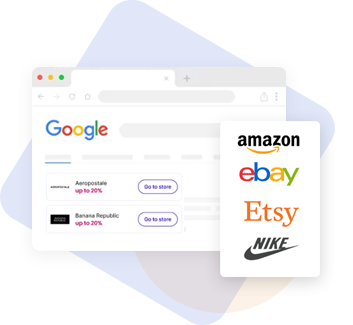
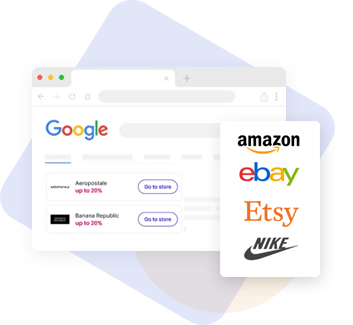
Shops with cashback
A quick search for online stores with cashback.

Search hints
See if online stores provide cashback in Google search results.
Install University of Michigan now -- save up to $ 5000 on shopping annually!
How it works
Install the Universityof Michigan extension and pin it to the toolbar
Go to Chrome store, install the Universityof Michigan extension, and pin it to the toolbar.
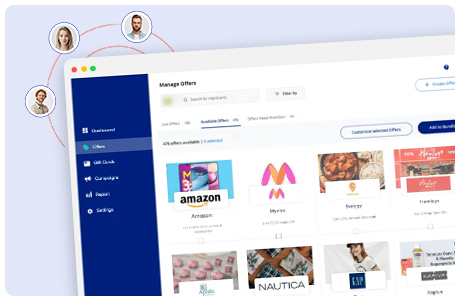
Register or sign in
Click on the extension icon and sign in to your Universityof Michigan account or create a new one.
Shop online as usual and get notified about cashback options
Universityof Michigan extension will let you know if an online store provides a cashback option.
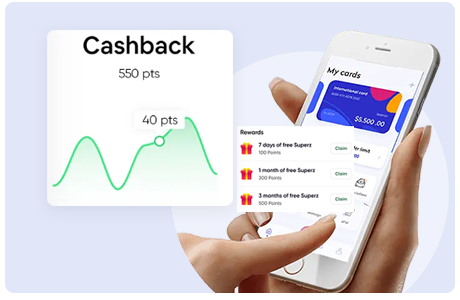
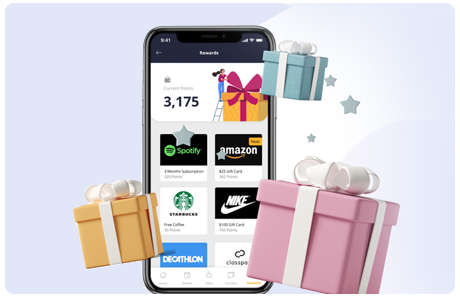
Activate cashback
Click the Universityof Michigan icon in the browser toolbar to unfold the extension and activate cashback instantly.
Cashback will be activated for 1 hour, activate it again if your shopping took longer than 60 minutes.
Complete your purchase
Check out as you normally would. See the savings add up in your Universityof Michigan account.

Start saving now!
Install the University of Michigan extension and save up to $ 5000 annually!
FAQs
- Install the extension from the Google Chrome store
- Pin the University of Michigan extension icon to the navigation bar.
- Register or sign in to your account.
With the University of Michigan extension, you can: instantly activate cashback on the shop's website, get notified if a shop has cashback options, and quickly search for the shops providing cashback. More features are coming soon.